Tell your browser what to do.
Corvus is a desktop browser with an AI agent built in. It does the clicking and stops to ask before anything that costs money.
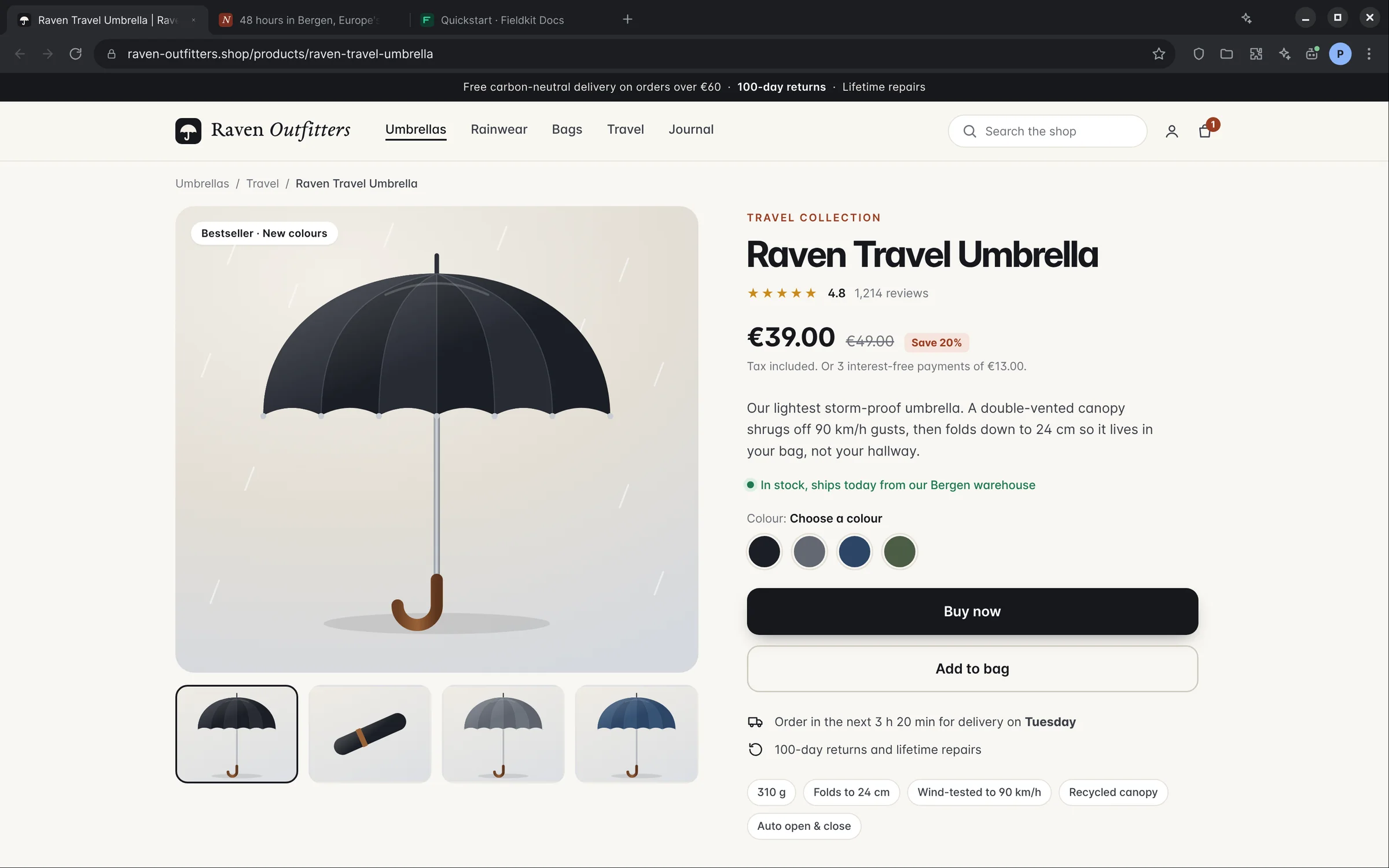
You ask. Press Ctrl K and type the errand.
It asks before it pays.
Payments, sign-ins and forms with your details pause for your OK. CAPTCHAs and two-factor codes always come back to you.
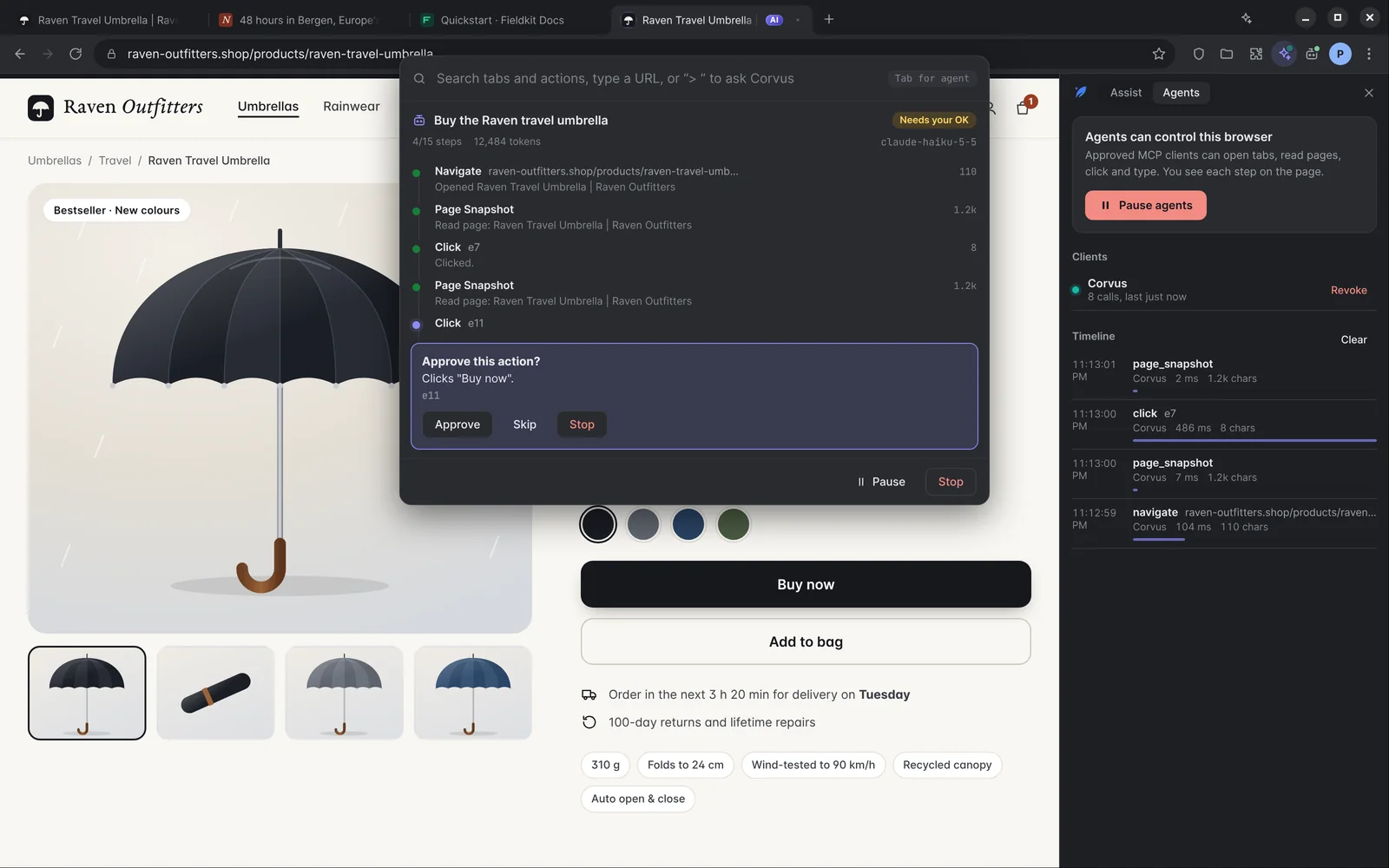
- 1
Risky steps wait
Anything that spends money, signs in or submits your details pauses until you decide.
- 2
Approve, skip or stop
One click to let it continue, skip that step, or end the run.
- 3
Nothing hidden
Every step is logged with what it saw and did, and every run has a step and token limit.
A whole browser, not a plugin.
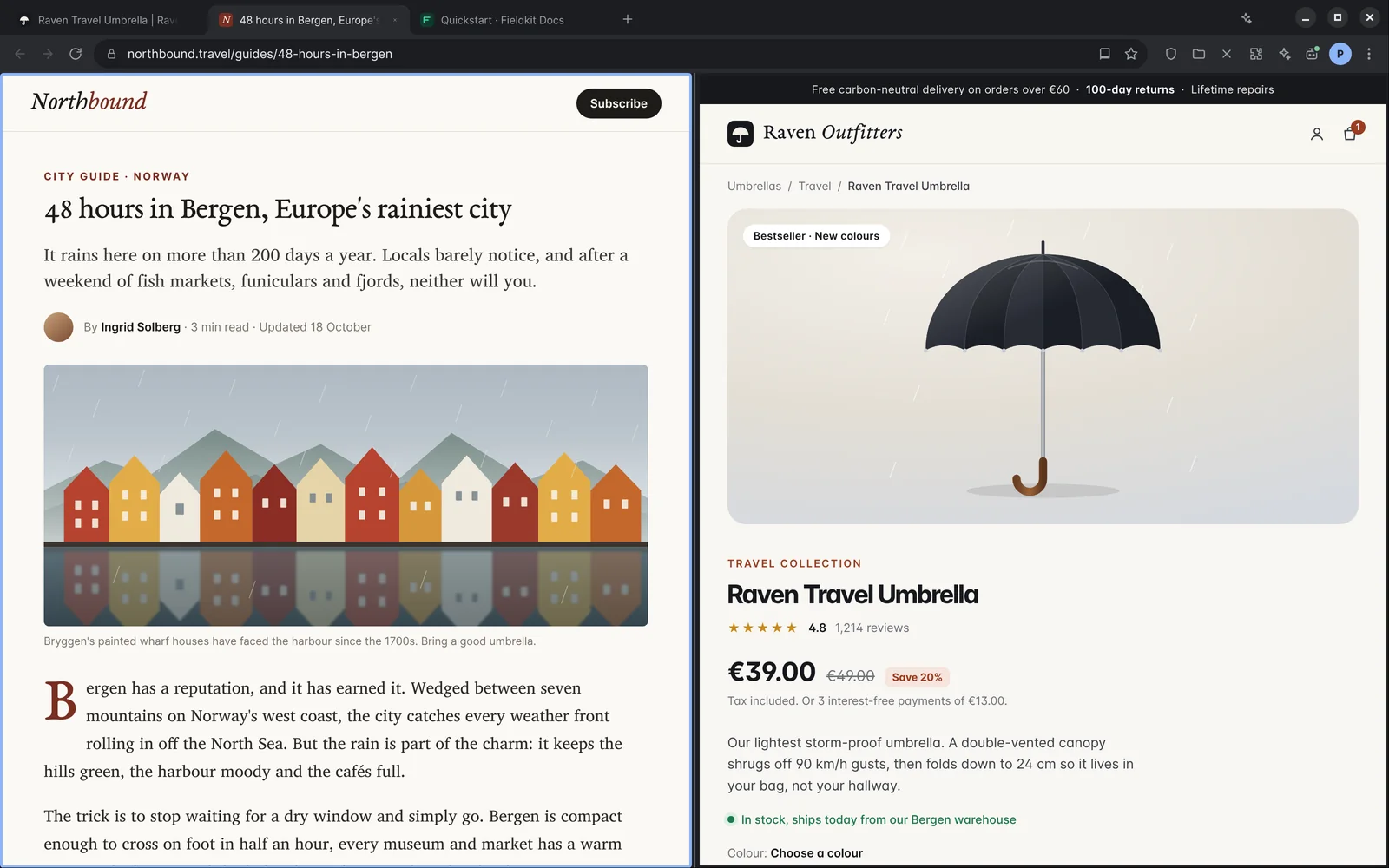
Everything you expect from a browser, with the assistant one shortcut away.
Browse
- AI search
- Answers with the sources they came from.
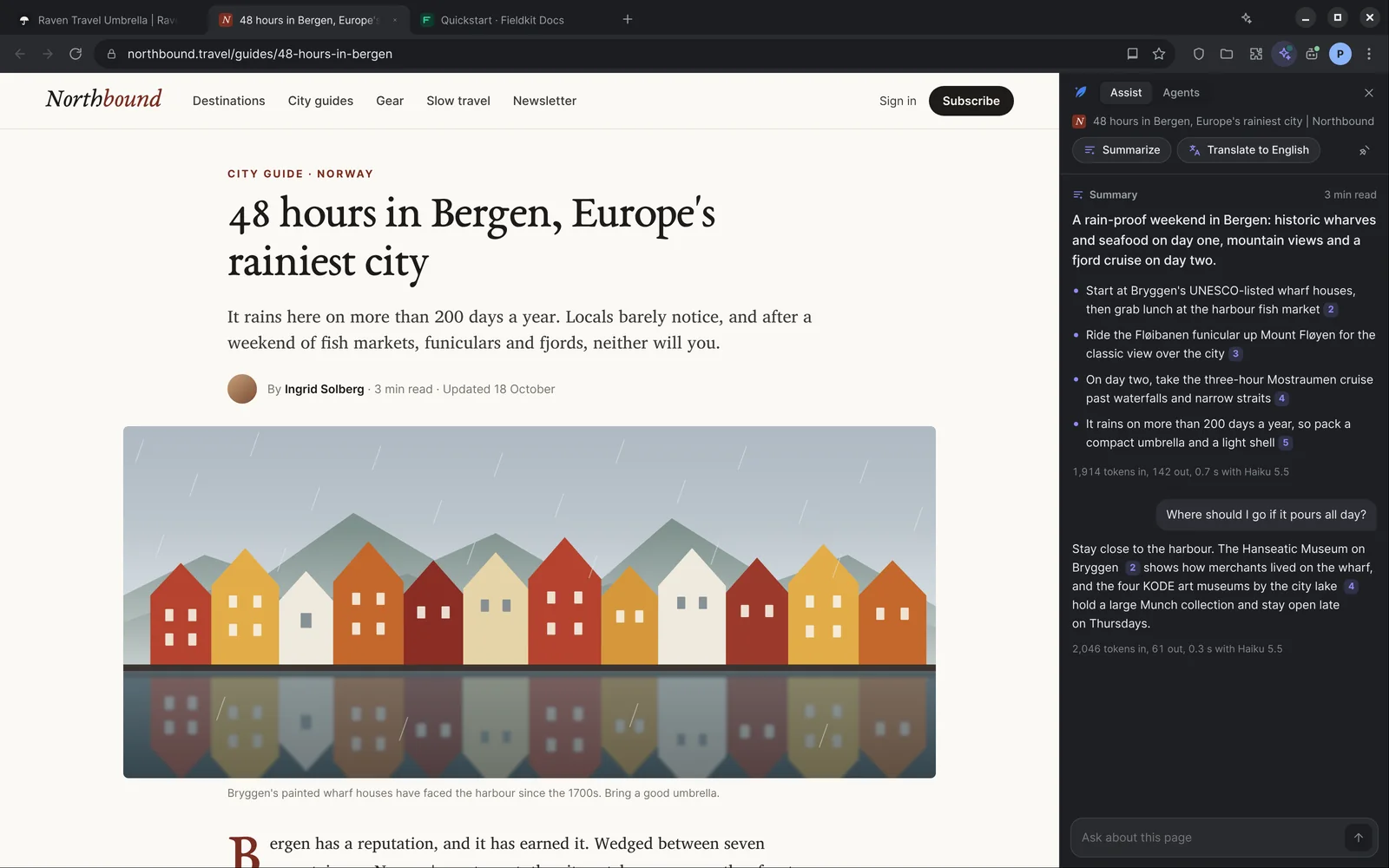
- Reader and Assist
- Summarize, simplify or translate the page you are on.
- Find in your pages
- Search your history by what a page was about.
- PDF viewer
- Read PDFs in a tab, with the same AI tools.
- Split view
- Two tabs side by side in one window.
Delegate
- Command bar agent
- Press Ctrl K and describe the task.
- Scheduled agents
- Run a task every morning and get the summary.
- Resumable runs
- Pick up an interrupted run where it stopped.
- Recorded flows
- Record a routine once, replay it any time.
Keep private
- Encrypted sync
- Bookmarks, history, passwords and notes, end to end.
- Password manager
- Built in, with autofill.
- Highlights and notes
- Mark up any page and find it later.
- Ad and tracker blocking
- On by default, adjustable per site.
- Chrome extensions
- Install them from the Chrome Web Store.
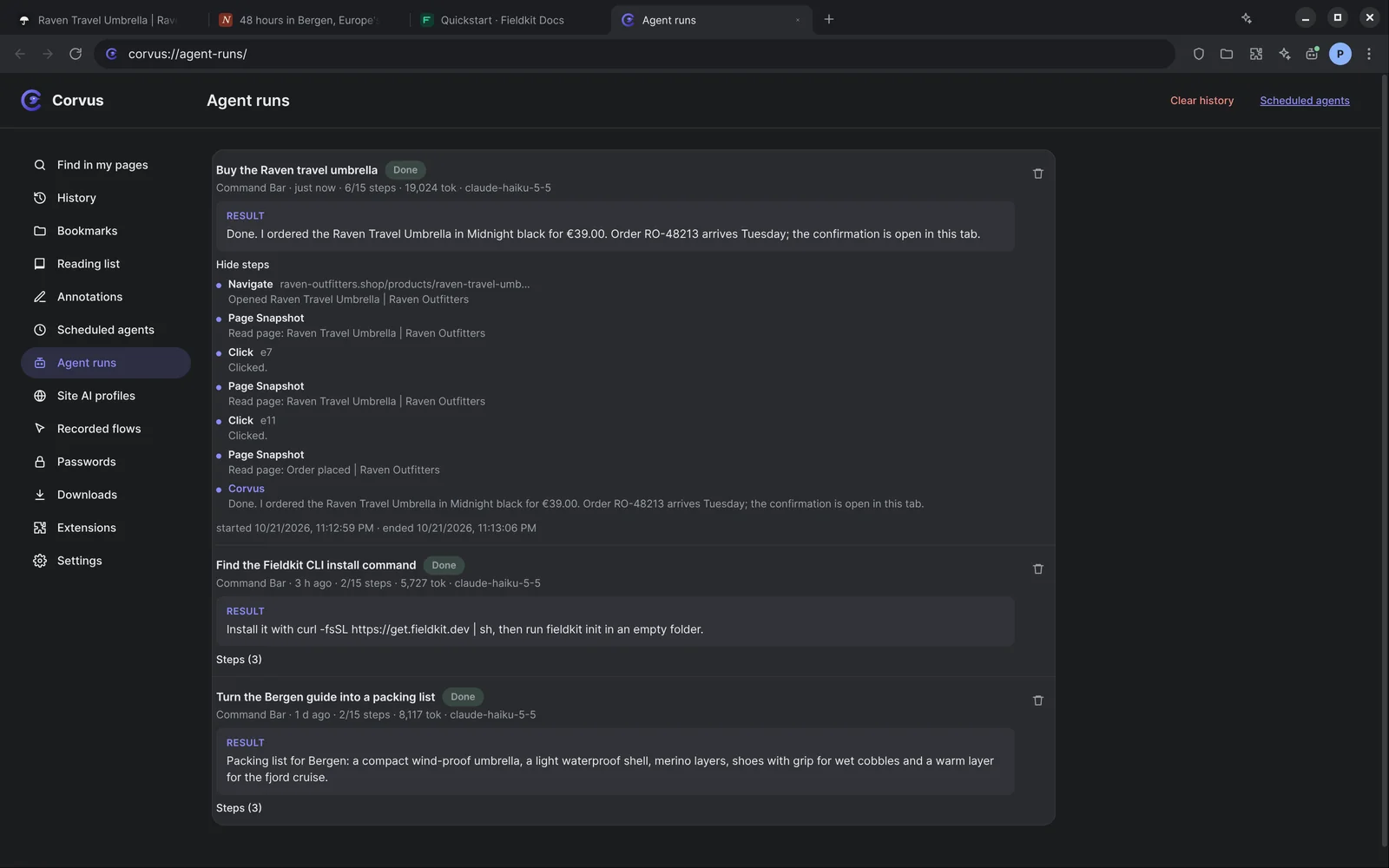
Your other agents can use it too.
Corvus is also an MCP server. Connect Claude Code or any MCP client and decide how much it may do.
- Turn it on in Corvus: Settings, AI agents.
Then add the plugin in Claude Code:
Using Cursor, VS Code, Claude Desktop, Zed or another MCP client? Setup for every client
You choose the access level
| Read only | Open and read pages, take snapshots and screenshots. |
|---|---|
| Standard | Also click, type and fill forms. This is the default. |
| Full | Also run scripts, upload and download files, and replay your recorded flows. |
Agent-driven tabs carry an AI badge, and you can pause them at any time.
Your data stays yours.
Sync is end-to-end encrypted. You keep a 24-word phrase and the server only sees ciphertext.
Run the AI on your own machine with Ollama. No account and no API key needed.
Prefer your own server? The sync server is self-hostable.
Download Corvus
Version 0.2.0. Windows and Linux today, macOS soon.
macOS
Apple Silicon build coming soon.